 CursorSkins
Custom cursor skins for Windows and Mac
Swap your system cursor for something you actually enjoy looking at. Pick from 112 official skins on Steam Workshop, add trails and click effects, or make your own cursor set — and buy it once, with no subscription.
Windows 10 & 11 · macOS 12 and later · English & 简体中文 · Open in the Steam app
Try a skin with your own mouse
Pick a skin and this whole page switches to it. Hover links, buttons and text to see how each cursor state looks.
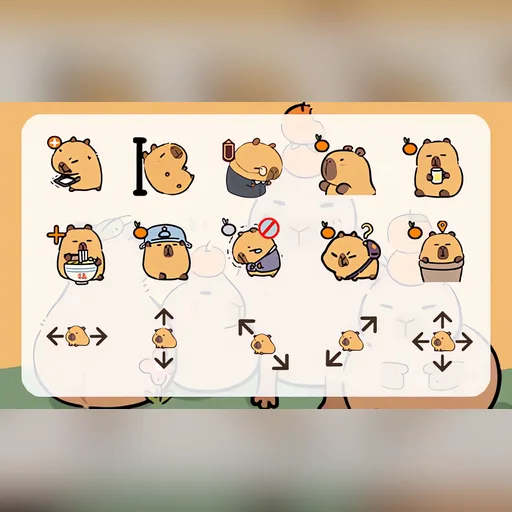 Little CapybaraCute · Animal
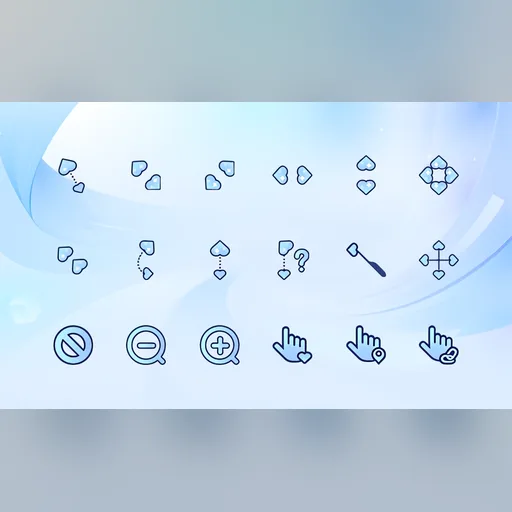 Blue HeartsMinimal · Cute
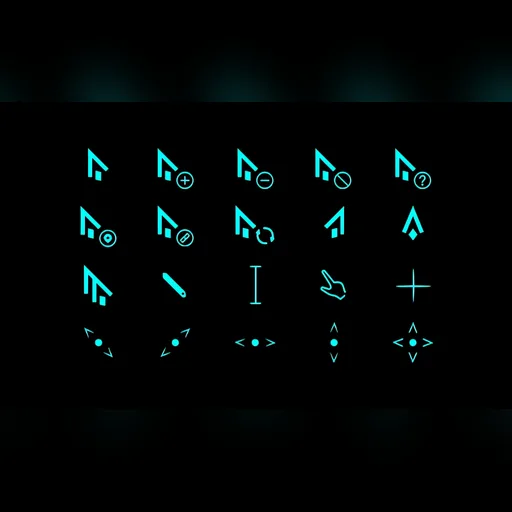 Neon CyanCool · Gaming
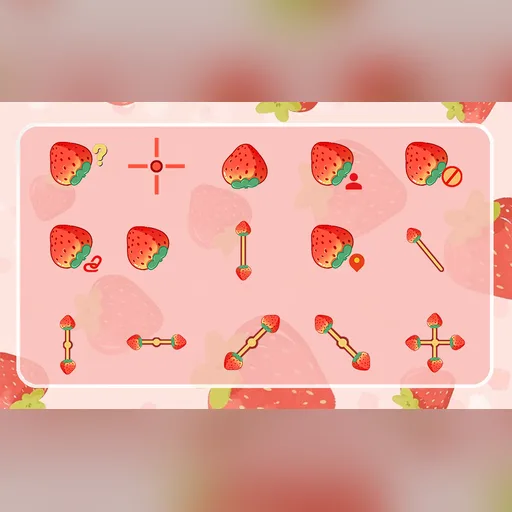 StrawberryCute · Cartoon
 Mochi HamsterCute · Animal
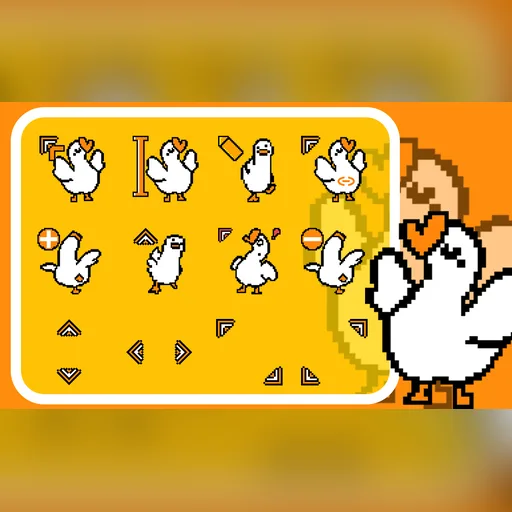 Pixel GoosePixel · Funny
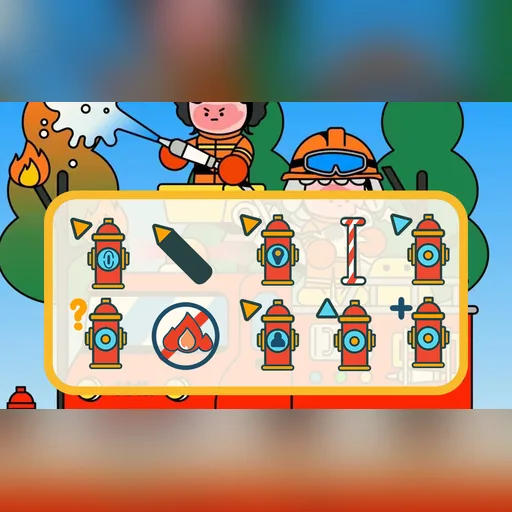 Fire HydrantCartoon · Cute
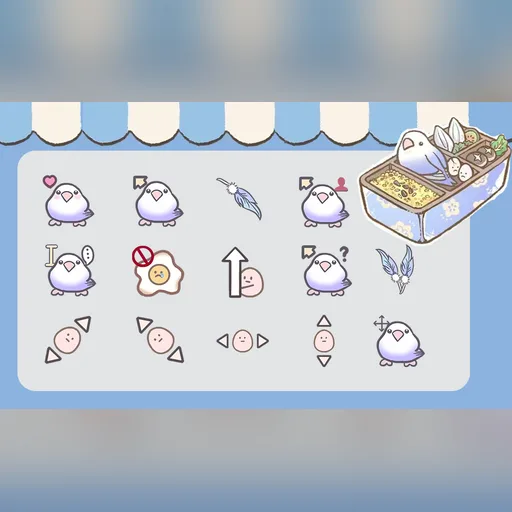 LovebirdCute · Animal
Trying on needs a mouse or trackpad — open this page on your computer to wear a skin.
One purchase covers Windows and Mac. No subscription.
Browse all 112 skins →See CursorSkins in action
A 43-second tour: browsing the Workshop, the fitting room, mouse effects and the editor.
Real system cursors, not an overlay
Apply a skin and it becomes your actual Windows or macOS cursor — in your browser, your code editor, your file manager and everywhere else the system draws the pointer. Choose a bigger size if you like, and restore the original cursors whenever you want.
Apps and games that draw their own cursor may keep using it.
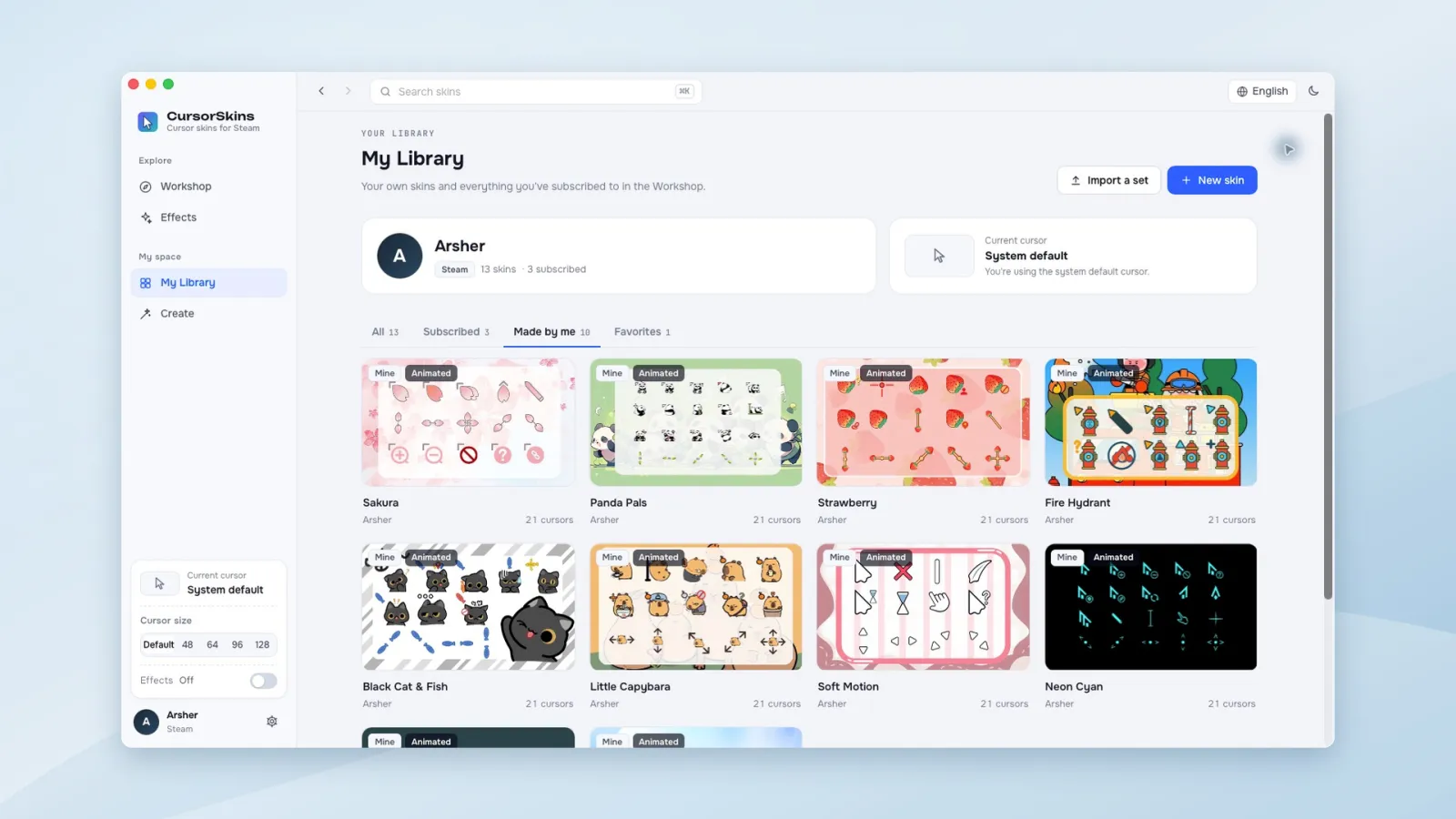
112 official skins on Steam Workshop
Browse cute animals, food, minimal outlines, neon pointers and seasonal sets. Subscribe and the skin lands in your library, ready to apply. Rate and favorite what you like, and find new sets from other creators as the Workshop grows.
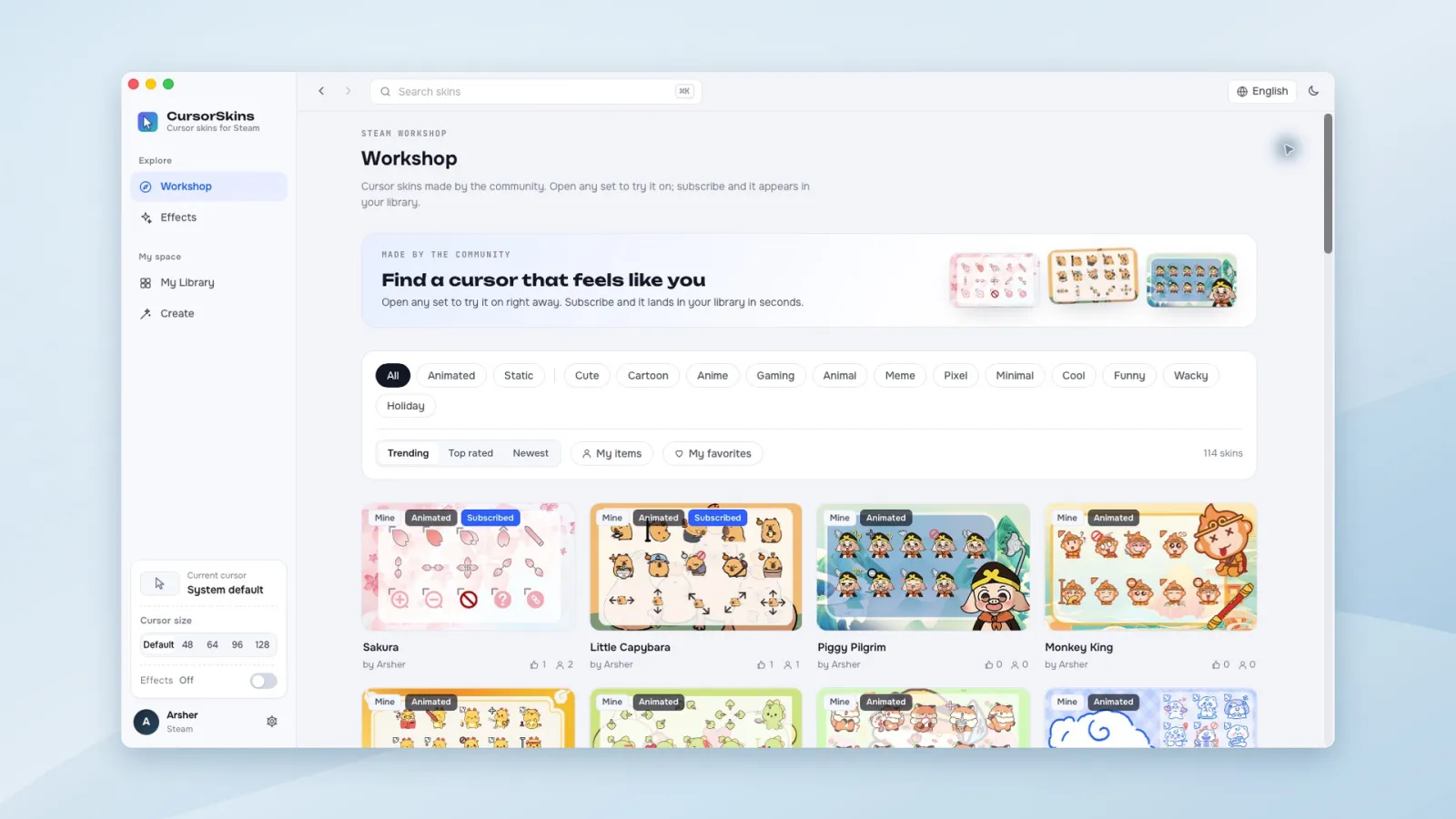
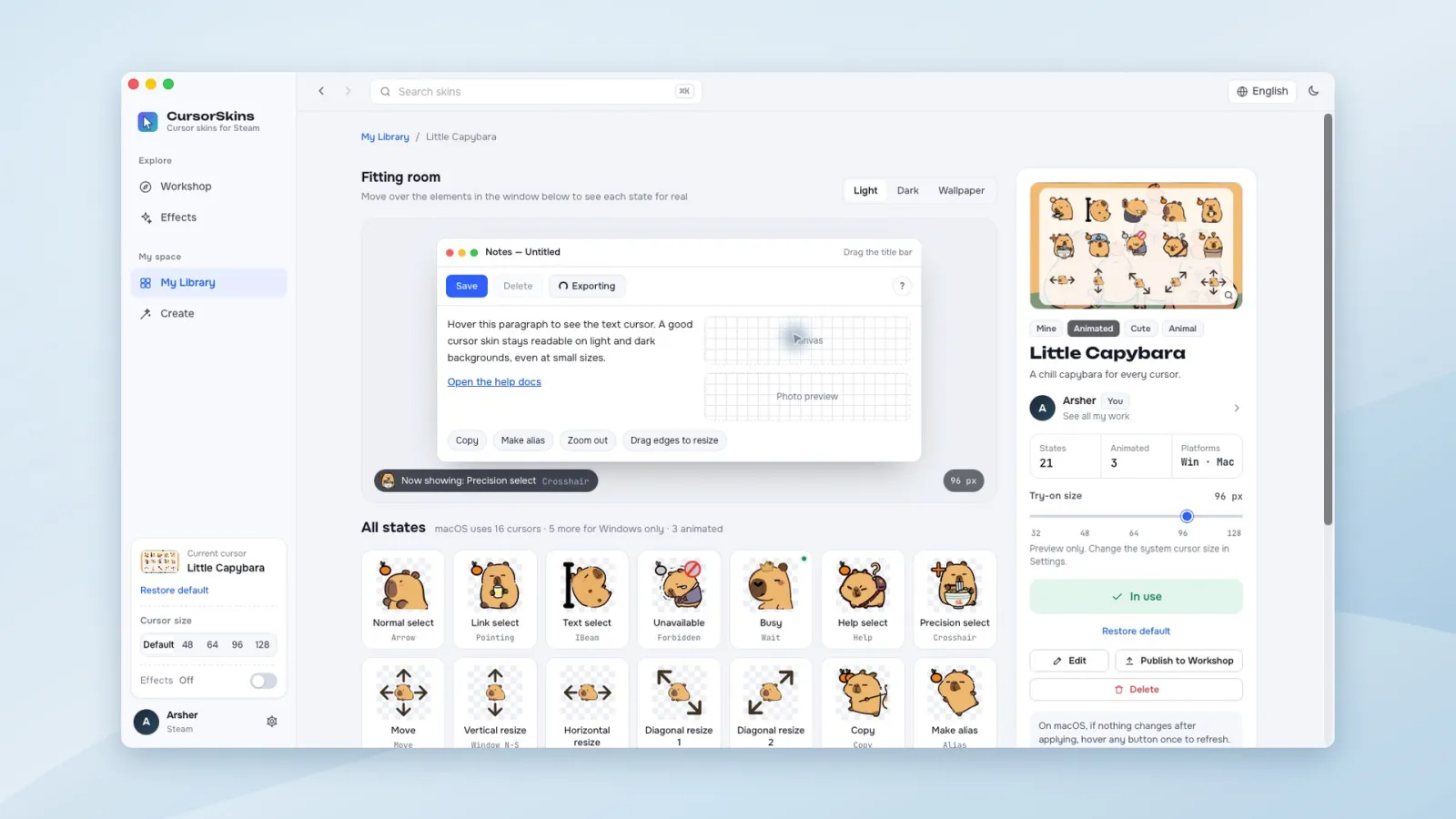
Preview every state before you apply
The fitting room is a mock app window: hover buttons, links, text and window edges to see the arrow, link hand, text cursor, busy spinner and resize cursors for real — on a light, dark or wallpaper background.
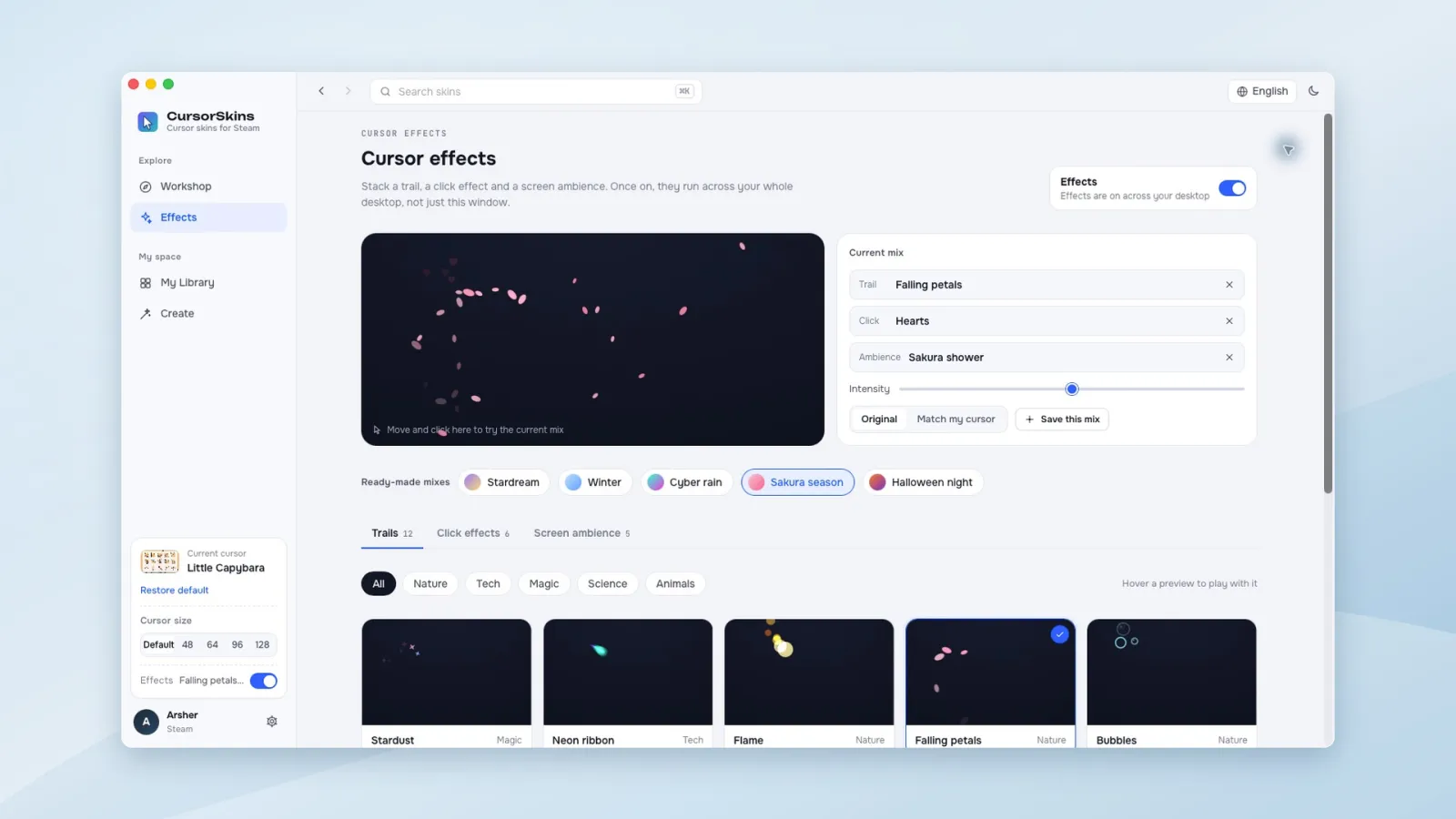
23 mouse effects for your whole desktop
Add a cursor trail, a click effect and a screen ambience — stardust, neon ribbons, falling petals, ripples, fireworks, snowfall and more. Start from a ready-made mix, tune intensity and colors, and save your own combinations.
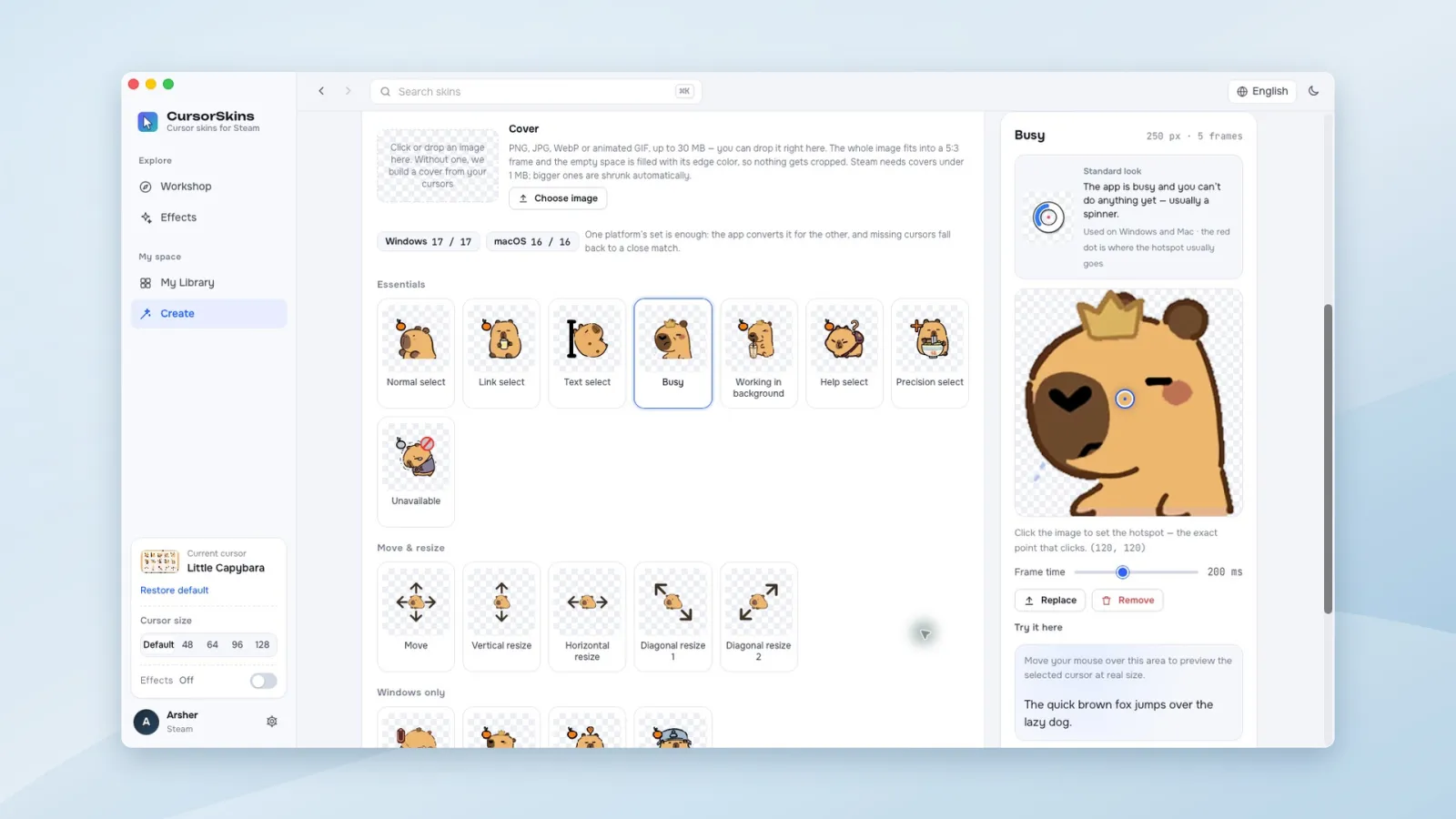
Make your own, down to the hotspot
Import PNG and GIF images, Windows .cur and .ani files or macOS .cape sets. Edit each of the 21 cursor states, set the click hotspot and animation timing, test it in the preview area, then publish to Steam Workshop and keep it updated.
Play with the mouse effects
Move and click inside the box. In the app these effects run across your whole desktop, not just one window.
Find your next favorite cursor
Every skin covers all 21 cursor states, with animated busy and background cursors. Hover a card to try its arrow and link cursor.
Little Capybara
Blue Hearts
Neon Cyan
Strawberry
Mochi Hamster
Pixel Goose
Fire Hydrant
Lovebird
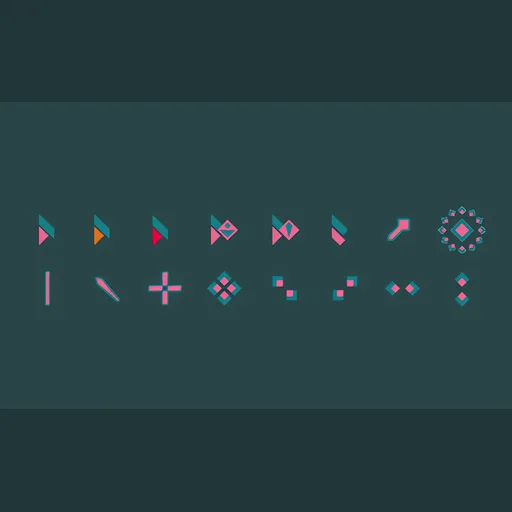 Mint & Pink
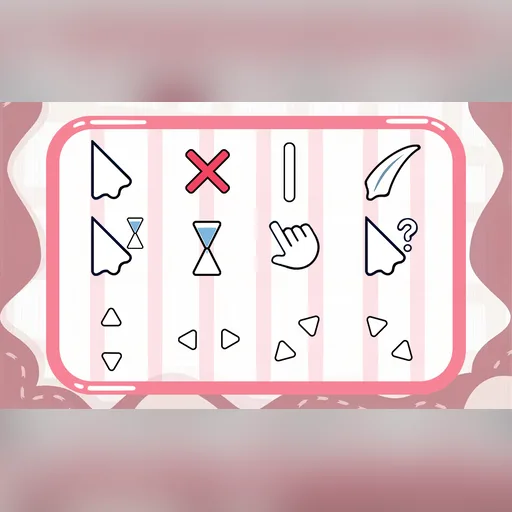 Soft Motion
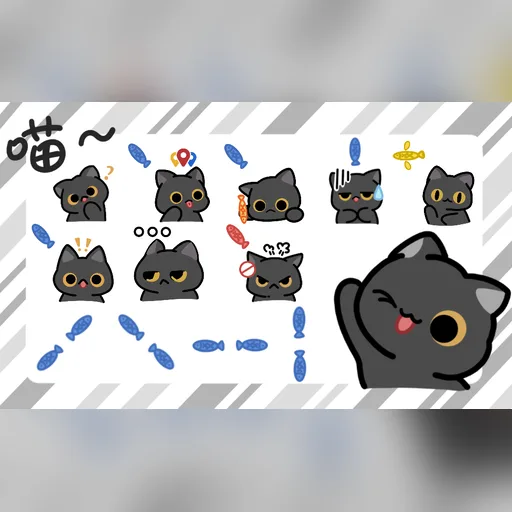 Black Cat & Fish
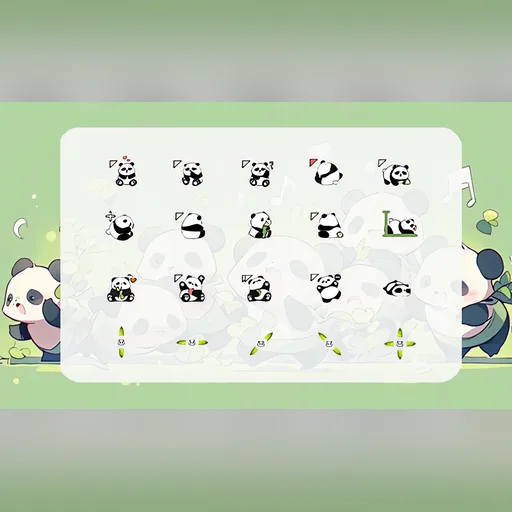 Panda Pals
Browse by style
Built for Windows and macOS
One purchase covers Windows and Mac. No subscription.
Windows
- Windows 10 or Windows 11 (64-bit)
- All 17 Windows cursor roles, including Handwriting, Location select and Person select
- Microsoft Edge WebView2 Runtime (the app links to it if it’s missing)
- Stays in the system tray while you work
macOS
- macOS 12 Monterey or later, Intel or Apple silicon
- All 16 macOS cursors, including Copy, Make alias and Zoom
- After you log out or restart, open CursorSkins to reapply your skin
- Notarized by Apple
Questions
When is CursorSkins coming out?
CursorSkins is coming to Steam in November 2026. Add it to your Steam wishlist and Steam will notify you when it launches.
How much does it cost? Is there a subscription?
CursorSkins is a one-time purchase on Steam — no subscription and no separate account. Steam shows the price for your region on the store page.
Does one purchase cover both Windows and Mac?
Yes. Steam lets you install CursorSkins on every platform it supports, so you can use it on your Windows PC and your Mac with the same Steam account.
Does it change the real cursor, or draw something on top?
It changes the real system cursor, so the skin shows up across your apps — not just inside CursorSkins. Apps and games that draw their own cursor may continue to use theirs.
Can I go back to my original cursor?
Any time. Use Restore default in the app and Windows or macOS goes back to the cursors you had before.
Can I make my own cursors or use .cur / .ani files?
Yes. Import PNG or GIF images, Windows .cur / .ani files (or a whole cursor pack with its Install.inf) and macOS .cape sets. Edit each state, set hotspots and animation timing, then keep it for yourself or publish it to Steam Workshop.
Give your cursor a little more personality
CursorSkins is coming to Steam in November 2026. Wishlist it and Steam will let you know the moment it launches.